How to Use Google Maps for Navigation



1
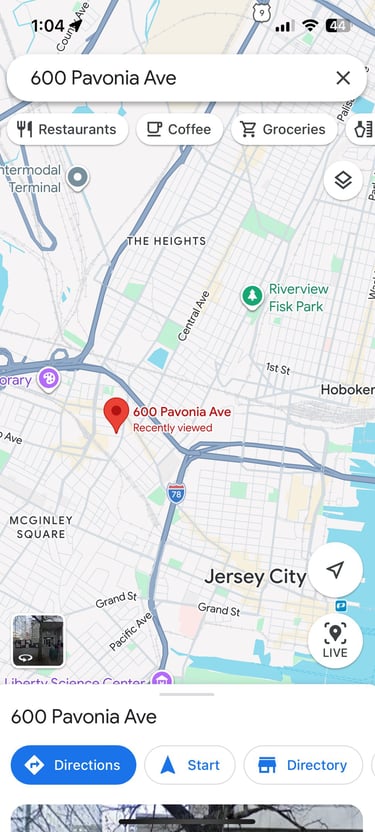
Enter in the location you want to go to in the search tab above.
Make sure your location settings are switched on for Google Maps so it can pin your current location as the 'starting location' for your directions.

2
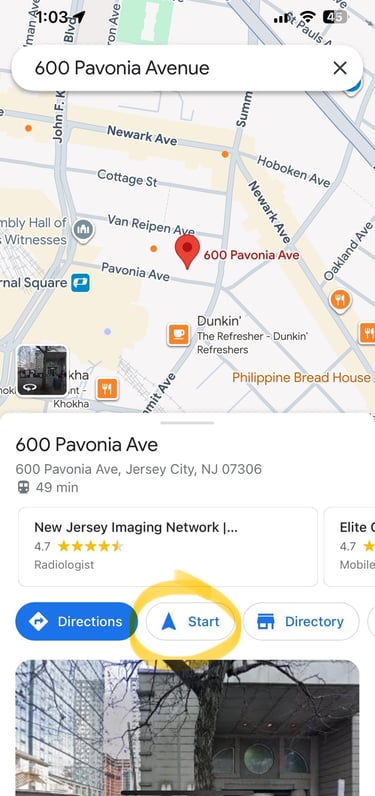
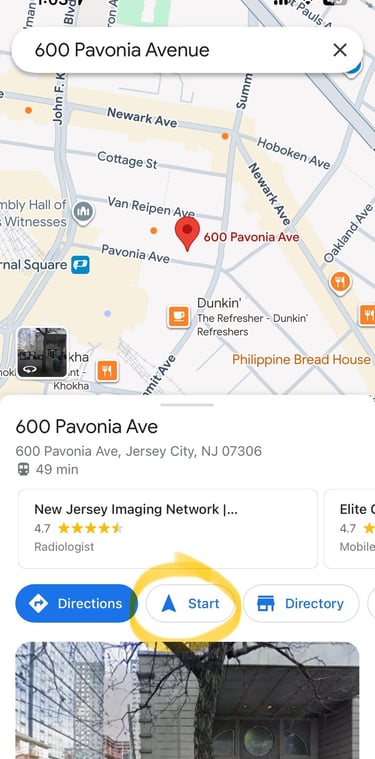
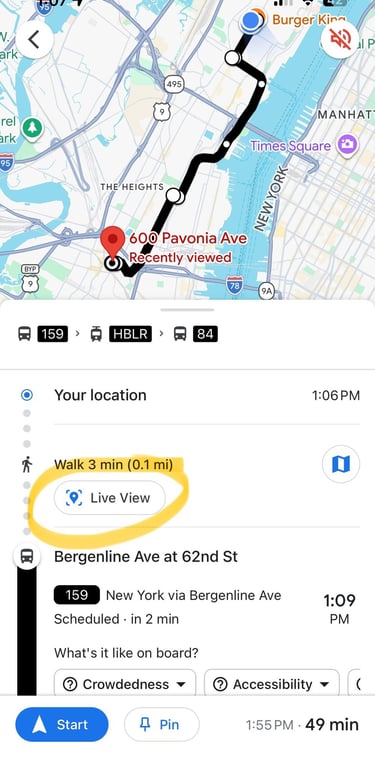
Tap 'Start' to get directions of how to get to your destination with a live location dot of your current location.
3
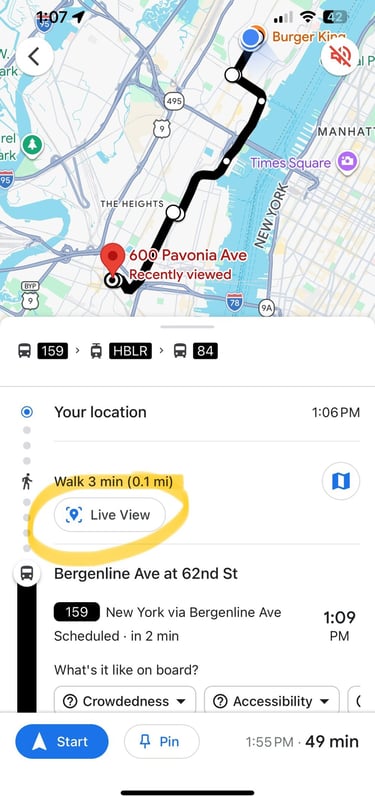
Tap 'Live view' to get 'first person' directions with a directional arrow. This is especially helpful for walking directions.
4
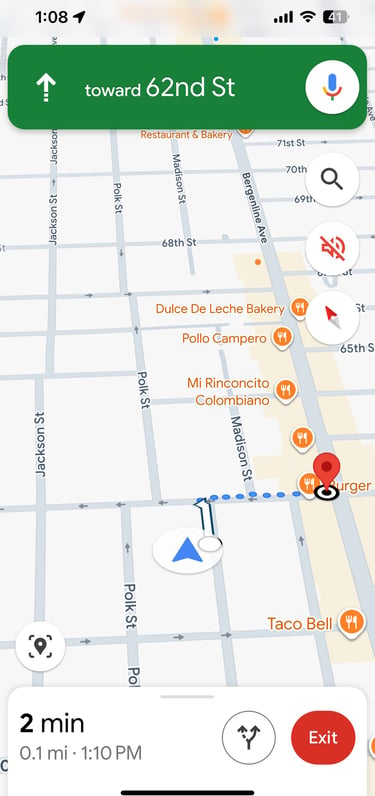
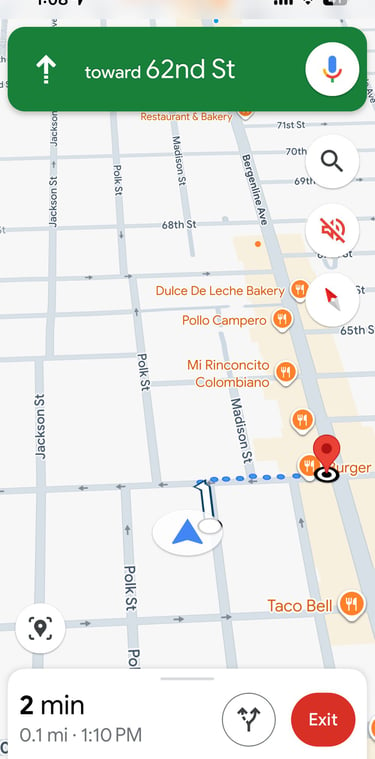
This is what it should look like once you're done. The arrow moves as you walk so you can always make sure you're walking in the right directions along with instructions at the top of the screen.
Download the PDF onto your phone and save it to your files so you don't have to worry about internet connection when you are on the go.